12 React Portfolio Projects (and What Each One Proves in Interviews)
Updated on February 07, 202613 minutes read
Learning React is a big step toward a front-end developer role. But when it is time to build a portfolio, many learners get stuck repeating tutorials or building apps that do not translate well in interviews.
If you are changing careers, upskilling after work, or aiming for your first junior job, you need projects that do more than "run." You need projects that show you can make decisions, handle edge cases, and ship something other people can use.
This article gives you 12 React portfolio projects that hiring teams recognize as real work. For each one, you will see what it proves in interviews, what to build first (MVP), and what upgrades make you stand out.
What hiring teams actually look for in React portfolio projects
Most interviewers are not judging your idea. They are judging your execution. A simple app can be impressive if it is well-structured, reliable, and clearly explained.
They want to see if you can build UIs like a teammate, not a tutorial follower. That means predictable state, readable components, and a clean, happy path with thoughtful error handling.
They also look for signs you can ship. A deployed link, a short README, and a clear feature scope often matter more than a huge codebase.
The proof signals your projects should show
A strong React developer portfolio usually demonstrates these signals. You do not need all of them in every project. Spread them across 3 to 5 projects.
- Component design: Reusable UI, sensible folder structure, consistent patterns
- State management: Local vs global decisions, derived state, reducers when needed
- Data fetching: Loading/error/empty states, caching, retries, pagination
- Forms: Validation, accessibility, user-friendly error messages
- UX polish: Responsive layout, keyboard navigation, predictable flows
- Testing: At least key paths or critical logic
- Deployment: Live demo plus environment variables handled safely
How to choose React projects that make interviews easier
Start by picking projects that match the kinds of apps companies pay people to build. Dashboards, CRUD tools, checkout flows, and data-heavy UIs are interview-friendly because they mirror real work.
Then, focus on small but complete. A finished v1 with clean UX and documentation beats an ambitious project that is half-done.
Finally, choose projects you can explain without guessing. If you can confidently describe your trade-offs, you will sound like a junior developer who is ready to contribute.
A simple portfolio strategy that works
Aim for 3 to 5 finished projects. One should highlight forms, one should highlight API/data fetching, and one should show more complex state or architecture.
If you have time for a flagship capstone, build one project that feels production-like. That is the one you will demo in interviews and talk about in depth without running out of meaningful details.
A quick skill map (so you build with intention)
Use this to choose projects based on the skills you want to prove. You can mix and match to create a portfolio that covers a lot of ground without feeling random.
- Business CRUD + tables: Admin panel, job tracker, inventory tool
- Complex state: Kanban, cart/checkout, collaborative notes
- API + caching: Recipe finder, weather planner, search experiences
- Forms + validation: Onboarding wizard, checkout, settings screens
- Real-time + auth: Chat, collaboration tools, notifications
12 React portfolio projects (and what each one proves)
Below are 12 strong project options that work well for junior interviews. Each includes what to build first (MVP), what it proves, and upgrades that add standout value without bloating scope.
1) Personal Productivity Dashboard (customizable widgets)
Build a dashboard with widgets like tasks, notes, a timer, and quick links. Let users rearrange widgets and save preferences so the app feels personal.
What it proves in interviews: You understand component composition and UI reuse. It also shows practical state decisions (local state vs global) and persistence with localStorage or IndexedDB.
MVP (finish in 1 to 2 weekends): Three widgets, add/remove widgets, and save layout settings. Keep the UI clean, then ship a deployed version quickly.
Standout upgrades: Drag-and-drop with keyboard support, theming, and a settings panel. Add a short "Why I structured components this way" section in the README to show maturity.
2) Kanban Task Manager (drag-and-drop board)
Create a Trello-style board with columns and cards you can move around. Include editing, deleting, and simple filters so it does not feel like a demo.
What it proves in interviews: You can model data and manage medium complexity state. It is also a great place to show reducers, immutable updates, and clear UI architecture.
MVP: Three columns, create/edit cards, drag between columns, and basic persistence. Include empty states like "No tasks yet, add your first card."
Standout upgrades: Filters (priority, due date), optimistic updates with a backend, and an activity log. Interviewers love hearing how you handled move events, ordering, and edge cases cleanly.
3) E-commerce Listing + Cart + Checkout (mock payment)
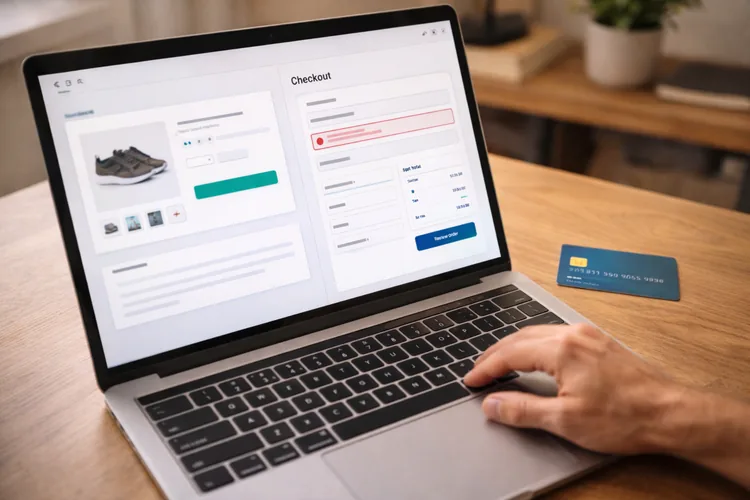
Build a product list, product detail pages, a cart, and a checkout form. Even with mock payments, the flow looks like real product work.
What it proves in interviews: You can handle complex derived state (totals, quantities, discounts). It also shows routing, form validation, and a user journey that companies recognize instantly.
MVP: Product list with search, product details, add/remove from cart, and a checkout form. Include validation and clear error messages so it feels reliable.
Standout upgrades: Promo codes, tax/shipping calculations, and saved carts across sessions. Add a short section explaining how you prevented negative quantities and handled edge cases.
4) Real-Time Chat App (auth + rooms)
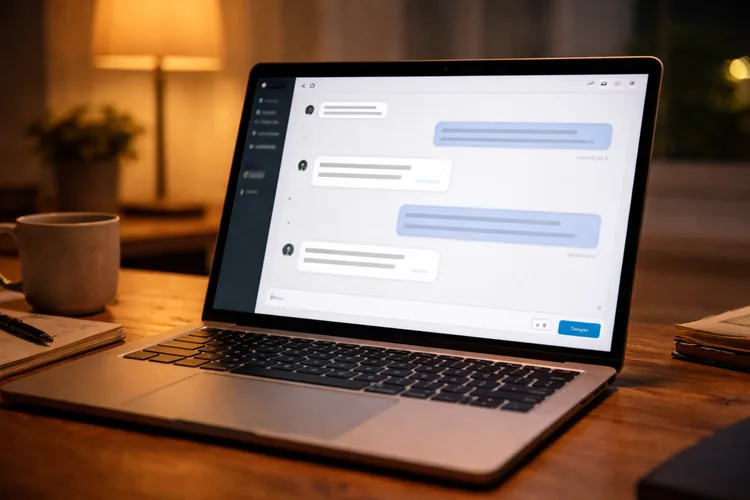
Build a real-time chat with login and at least one room. Use Firebase, Supabase, or a simple WebSocket server so messages update instantly.
What it proves in interviews: You can work with authentication and protected routes. It also proves you can reason about real-time data, ordering, and connection reliability.
MVP: Email/password login, one room, real-time messages, and timestamps. Add loading states for login and message history so it does not feel glitchy.
Standout upgrades: Multiple rooms, typing indicators, file uploads, and rate limiting rules. Your README should explain your real-time approach and what you would do for scaling in a real product.
5) Job Application Tracker (perfect for career changers)
Build an app to track applications, interview stages, contacts, and follow-ups. This is a realistic CRUD project, and it is also genuinely useful.
What it proves in interviews: You can build business workflows with clean UX. It highlights forms, data tables, filtering, and the ability to ship something structured.
MVP: Add/edit applications, status pipeline, notes, and basic search. Include sorting by date and an overdue follow-up indicator for a practical touch.
Standout upgrades: CSV import/export, reminders, and analytics like response rate over time. This project is also great for showing clean UI states and thoughtful information design.
6) Expense Tracker with Insights (charts + budgets)
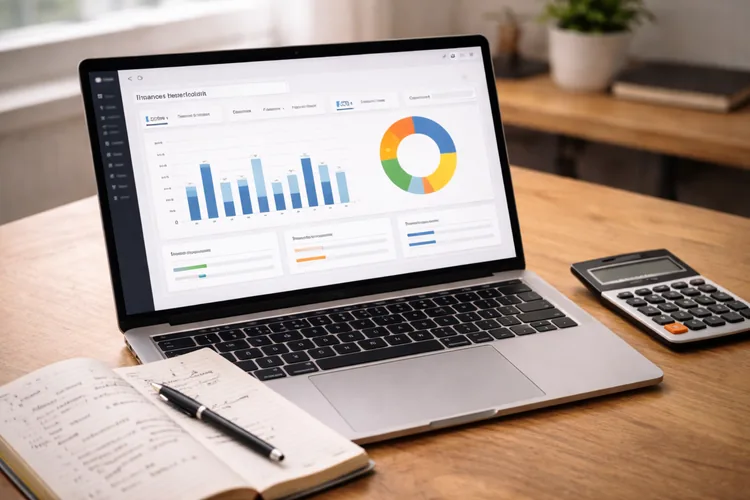
Build an expense tracker that categorizes spending and shows trends. Make the UI focus on insights, not just data entry.
What it proves in interviews: You can model data and transform it for visualization. It also shows attention to correctness (currency formatting, rounding, totals) and performance awareness.
MVP: Add expenses with category/date/amount, monthly totals, and one chart view. Keep it simple, then make it polished.
Standout upgrades: Budgets with warnings, CSV import, and exports for reports. Add tests for calculations, since this is one of the easiest ways to demonstrate engineering discipline.
7) Recipe Finder (search + filters + caching)
Build a recipe search app with filters like cuisine, diet type, and prep time. Add favorites and shareable URLs so it feels like a real product.
What it proves in interviews: Strong API integration and user-centric search UX. It shows debounced inputs, loading/error handling, and caching strategy if you use React Query.
MVP: Search results, recipe details, favorites, and pagination or load more. Make sure you handle no results and API errors gracefully.
Standout upgrades: Caching with TanStack Query, skeleton loading, and query-string syncing. Your interview story can focus on how you reduced unnecessary refetching and improved responsiveness.
8) Weather + Weekend Planner (multi-API mashup)
Build a weather forecast app that suggests activities based on conditions. Combine weather data with a simple list of local activities or places.
What it proves in interviews: You can merge data from multiple sources cleanly. It also shows you think about unreliable data, fallback states, and UX around uncertainty.
MVP: Search by city, show a 5-day forecast, and save recent locations. Add clear messaging when the city is not found or the API times out.
Standout upgrades: Caching plus retry logic, unit toggles (C/F), and map-based suggestions. This project is a great place to show thoughtful error handling and clean UI states.
9) Accessible Multi-Step Onboarding Form (wizard UX)
Build a multi-step onboarding flow with validation and a review step. This is one of the most real product portfolio projects you can build without a backend.
What it proves in interviews: Form architecture, validation strategy, and accessibility. It also shows UX empathy through progressive disclosure, clear errors, and a smooth flow.
MVP: Three steps, stepper UI, validation per step, review screen, and success page. Make sure focus management and keyboard navigation feel natural.
Standout upgrades: Autosave drafts, conditional steps, and i18n readiness. Add a short accessibility checklist in the README to signal that you build for real users.
10) SaaS Admin Panel (users, roles, permissions)
Build an admin dashboard with a data table, role assignment, and protected views. This looks extremely relevant to many entry-level front-end jobs.
What it proves in interviews: Architecture for serious apps and security awareness. It highlights tables, filtering, pagination, and route guarding.
MVP: Login, protected routes, users table, and role assignment UI. Use mock data first, then optionally connect a backend.
Standout upgrades: Server-side pagination, fine-grained permissions, and feature flags. Add an error boundary and thoughtful fallback UI for a more professional feel.
11) Collaborative Notes App (real-time editing)
Build a notes app where multiple users can edit or view the same note. Even a simple real-time sync (not full Google Docs) is impressive when explained clearly.
What it proves in interviews: You can reason about consistency and conflict trade-offs. It also shows real-time syncing, auth, and structured data modeling.
MVP: Auth, create notes, shared note view, and real-time updates. Include "last updated" and show who edited most recently for clarity.
Standout upgrades: Presence indicators, version history, and offline edits with sync. In interviews, explaining your conflict strategy (even last write wins) shows strong judgment.
12) Full-Stack Capstone: Booking or Marketplace App
Build a full user journey: browse listings, view details, book/order, and manage an account. This is your flagship project if you want to show end-to-end product thinking.
What it proves in interviews: Integration skills, deployment maturity, and real feature scope. It also shows you can debug across layers and handle auth, ownership, and data validation.
MVP: Signup/login, browse plus search, listing detail, booking flow, and a My Bookings page. Ship a v1 first, then add upgrades once the core flow is stable.
Standout upgrades: Payments (test mode), messaging, admin moderation, and CI checks. A short "Architecture and trade-offs" section in your README can turn this into an interview centerpiece.
How to present your React projects so recruiters actually click
A portfolio can be strong and still underperform if it is hard to evaluate quickly. Your goal is to reduce friction so it is easy to try the app and understand your choices.
Your README should answer interview questions upfront
Write a short README that covers what the app does and why it matters. Then add a quick feature list, a tech stack, and setup instructions that work. Include a "Decisions and trade-offs" section with 4 to 6 bullets. That section often becomes your interview script, and it signals that you think like an engineer.
Add screenshots and a short demo flow
A recruiter might spend 30 to 60 seconds on your project. Screenshots help them grasp the value instantly, even if they do not run the app. If you can, add a 60 to 90-second video walkthrough. It does not need fancy editing, just a clear demo of the core features.
How to talk about each project in interviews (without rambling)
Interviewers love clarity more than complexity. Use a structure that makes you sound prepared and professional.
A reliable 5-part explanation
Start with the goal and user. Then highlight the core flow, your architecture choices, and one challenge you solved. Finish with what you would improve next if you had two more weeks. This shows humility and forward-thinking without undermining your work.
The one challenge technique
Pick one real obstacle per project: a tricky state bug, caching issue, or form validation edge case. Practice explaining it in 60 seconds: what happened, what you tried, what fixed it, and what you learned. That story is often more persuasive than listing features. It proves you can troubleshoot, iterate, and learn like a developer.
Common mistakes that weaken otherwise great React portfolio projects
A project can look junior for reasons that are easy to fix. Most of these issues are about polish, predictability, and communication. Missing loading/error/empty states make apps feel fragile. Adding them is a quick way to show you build for reality, not just the happy path.
Putting everything in one file suggests you do not think about maintainability. Even a simple feature-based folder structure can dramatically improve how your repo is perceived. Also, do not skip deployment. A custom domain can cost around 20 per year, but you can host many projects on free tiers too.
A realistic build plan (part-time friendly)
If you are studying evenings and weekends, this plan keeps momentum without burnout. It also ensures you end up with finished projects, not a graveyard of half-built apps.
Weeks 1 to 2: Ship two small but complete projects
Pick projects like the onboarding wizard and recipe finder. Focus on clean UI, good states, deployment, and a readable README. Your goal is confidence and consistency. Two polished projects make you feel ready faster than one huge unfinished idea.
Weeks 3 to 5: Build one medium-complexity project
Choose Kanban, e-commerce, or an expense tracker. Use this project to show stronger state management and at least a small amount of testing. Make it your interview practice project. You should be able to explain the data model and major components clearly.
Weeks 6 to 8: Build one flagship capstone
Choose a full-stack booking app, real-time chat, or an admin panel. Keep scope tight, ship v1, then add one or two standout upgrades. This becomes your main demo project. It is the one you will highlight on your resume and discuss most in interviews.
Where Code Labs Academy can help (without guessing your path alone)
If you want more structure, feedback, and a clear portfolio roadmap, a bootcamp can help. The right support can save you weeks of trial and error and help you build projects that hiring teams recognize.
In Code Labs Academy's online bootcamps, you can develop job-ready skills through hands-on builds. You also get support with portfolio strategy, mentoring, and career services so your projects translate into interviews.
If you are weighing options, you can review a syllabus-style curriculum outline for the Web Development Bootcamp or schedule a call with an advisor. A short conversation can help you map your goals to a realistic timeline.
Final checklist before you apply for React roles
Before you send applications, make your portfolio easy to evaluate fast. The goal is clarity: "Here is what I built, here is how it works, and here is why it is good."
Have 3 to 5 deployed React portfolio projects with clear scope and clean UX. Make sure at least one project shows forms, one shows API/caching, and one shows complex state or architecture.
Add strong READMEs, screenshots, and consistent naming across repos. Then practice your project explanation so you can talk confidently without overexplaining.
Conclusion: build projects that prove you are ready
The best React portfolio projects are not the biggest. They are the most believable. They show you can build features users need, handle real-world edge cases, and explain your decisions clearly.
Pick 3 to 5 projects from this list, ship them with clean documentation, and practice your story. That combination makes interviews easier because you are showing proof, not just potential.
When you are ready to accelerate your learning with structure and career support, explore Code Labs Academy's online programs. You can apply here or speak with an advisor to turn your portfolio into a job-search-ready plan.